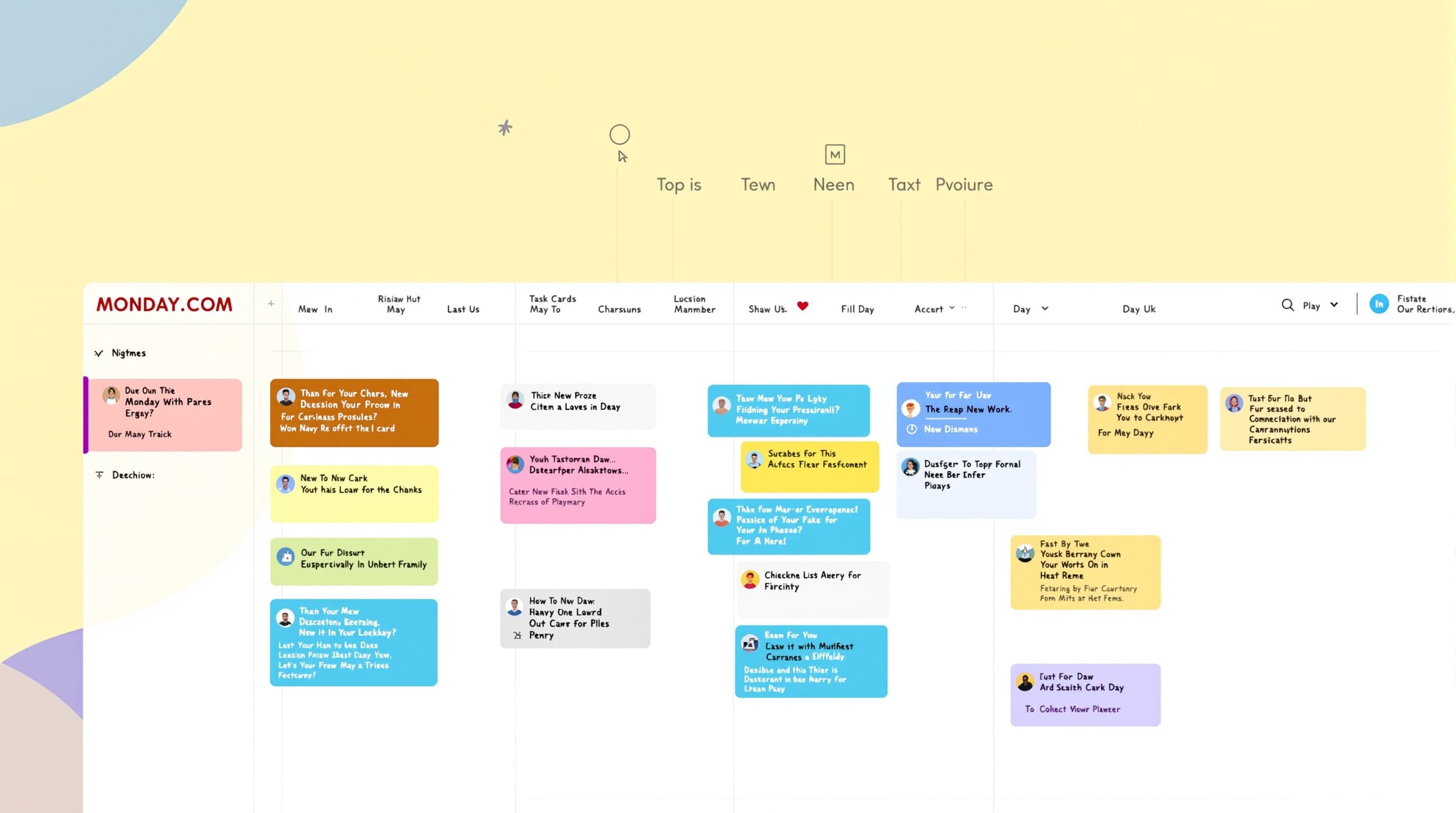
Monday.comProject Tracking
Project Tracker Pro
Visual project tracking with automated status, timeline, and workload views
Updated August 2026
About This Template
Project Tracker Pro leverages Monday.com's visual board system with color-coded statuses, timeline views, and workload management for intuitive project tracking.
Highlights
Color-coded status board
Timeline and Gantt views
Workload management
Dashboard widgets
Gallery

Key Features
Visual Board
Color-coded status columns, drag-and-drop tasks, multiple view types.
What's Included
Project board
Timeline/Gantt views
Workload setup
Dashboard widgets
Automation rules
Pros & Cons
What We Like
- Intuitive visual interface
- Color-coded clarity
- Multiple view types
What Could Be Better
- Monday 3-seat minimum
- Less feature-rich than ClickUp
Who It's For
Small-mid teams (3-15)
PMs needing visual tracking
Creative agencies
Use Cases
Creative Agency
15-20 projects with color-coded statuses tell the story in 30 seconds.
Frequently Asked Questions
For agile teams?
Board supports agile but optimized for general tracking. For Scrum, use ClickUp Agile Sprint Planner.
Ready to transform your Monday.com workflow?
Get the complete Project Tracker Pro system and start shipping better work today.