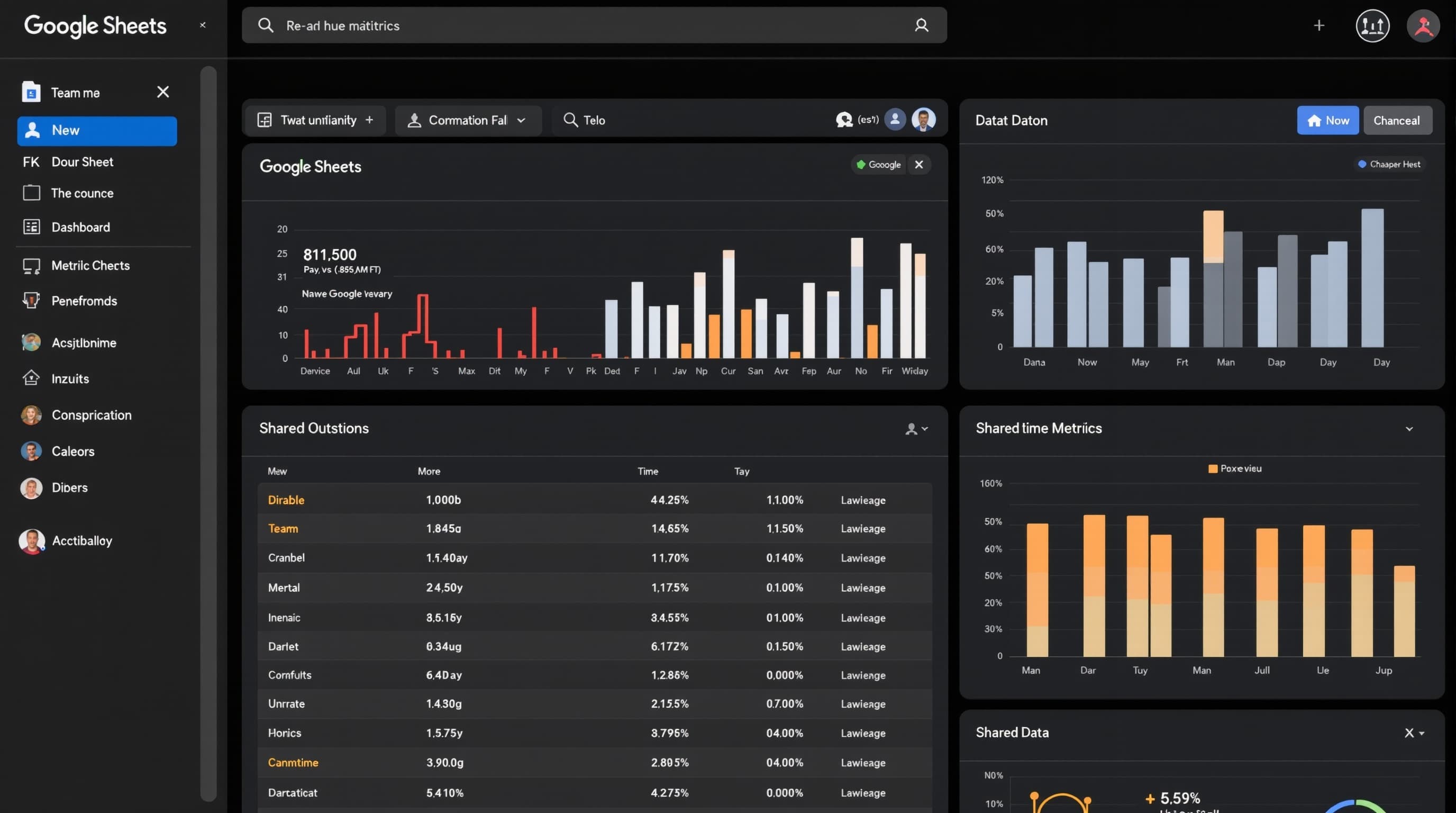
Google SheetsTeam Dashboards
Team Dashboard
Real-time collaborative team dashboard with automated data via Google Forms
Updated August 2026
About This Template
Team Dashboard leverages Google Sheets real-time collaboration with automated data collection via Google Forms — charts and alerts update as data flows in.
Highlights
Real-time collaboration
Google Forms integration
Automated charts
Conditional formatting
Gallery
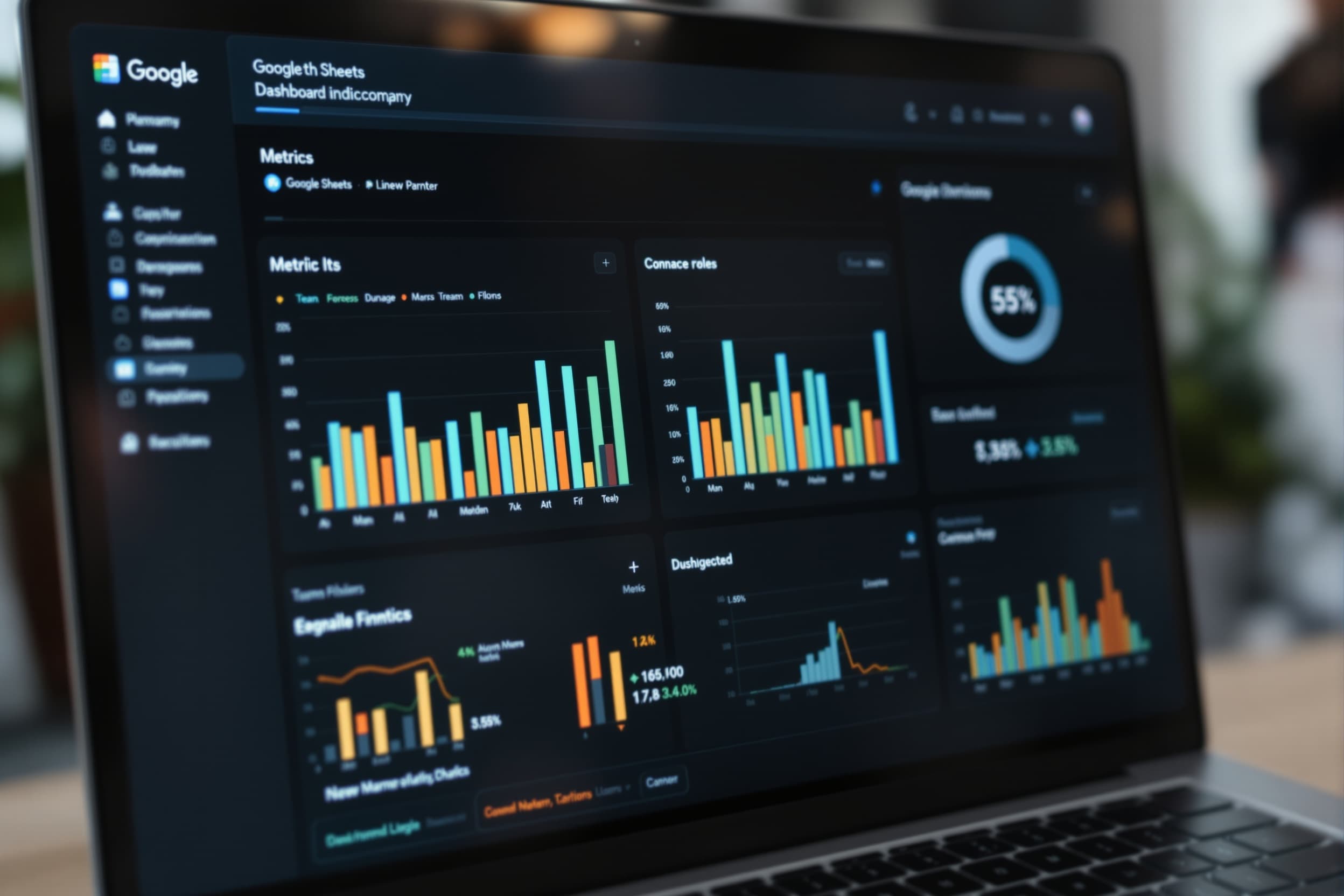
Key Features
Live Dashboard
Metrics update in real-time as team submits data via Forms.
What's Included
Team dashboard
3 Google Forms templates
Automated charts
Team collaboration guide
Pros & Cons
What We Like
- Real-time collaboration
- Forms integration
- Free with Workspace
What Could Be Better
- Less powerful charts than Excel
- Large datasets slow performance
Who It's For
Distributed teams
Team leads
Startups
Use Cases
Remote Team Lead
Team submits weekly updates via Form. Dashboard auto-updates project status.
Frequently Asked Questions
Works with existing Workspace?
Yes. Standard Sheets file. Share with team and connect Forms in under 30 minutes.
Ready to transform your Google Sheets workflow?
Get the complete Team Dashboard system and start shipping better work today.